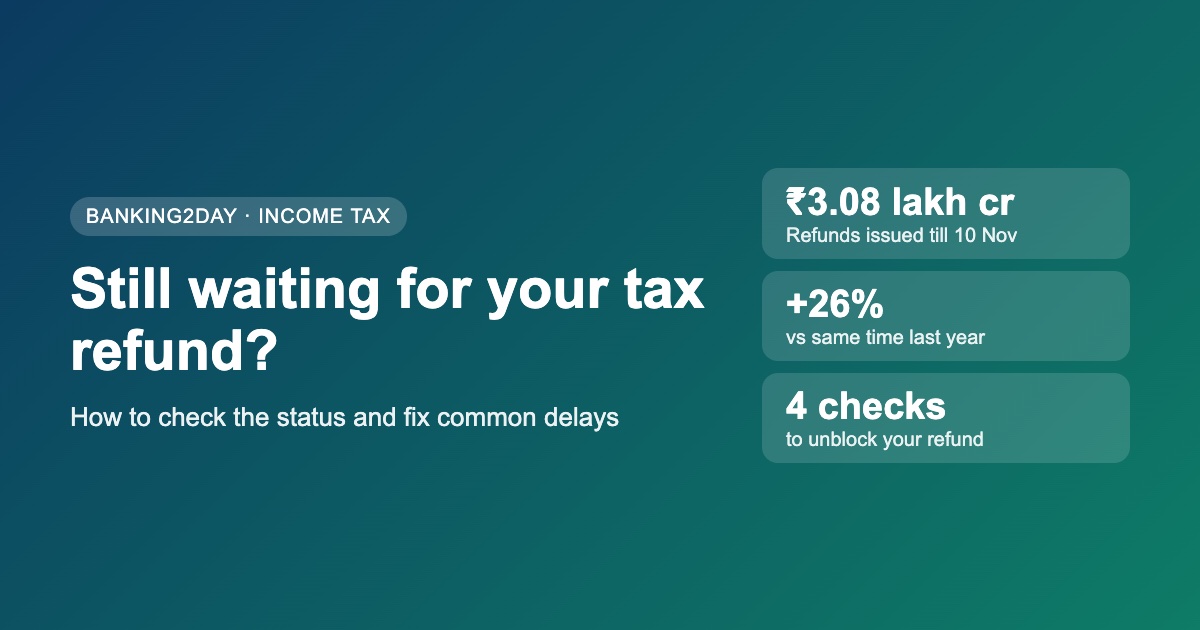
Income tax refunds are moving faster this year. Up to 10 November 2026, the tax department had issued about ₹3.08 lakh crore in refunds, nearly 26% more than the ₹2.45 lakh crore issued by the same date last year.
But if you filed your return months ago and your refund still hasn't reached your bank account, the cause is usually one of a few simple issues that you can check and fix yourself. Here is how.
How to check your refund status
There are two easy ways to see where your refund stands:
- On the Income Tax e-filing portal: log in at incometax.gov.in, go to e-File → Income Tax Returns → View Filed Returns, and open the return for the relevant assessment year. The timeline shows whether the return is verified, processed, and whether a refund has been issued.
- Refund status by PAN: the refund banker's status page on the Protean (formerly NSDL) TIN website lets you check with your PAN and assessment year, without logging in to the e-filing portal.
Also check your registered email and the Pending Actions section of the portal. If the department needs anything from you, the notice or intimation usually lands there first.
Check 1: Is your return e-verified?
A return is not processed until it is verified. Many people file their return but forget the last step. You can e-verify using an Aadhaar OTP, net banking, or a bank or demat account EVC. Verification should be done within 30 days of filing; a late verification can mean the return is treated as filed late.
On the portal, the status of the return should read "Successfully e-Verified". If it doesn't, complete it from e-File → Income Tax Returns → e-Verify ITR.
Check 2: Is your bank account pre-validated?
Refunds are credited only to a bank account that is pre-validated on the e-filing portal and linked to your PAN. If you changed banks, closed an account, or your name on the bank record doesn't match your PAN, the refund can fail.
Go to My Profile → My Bank Account, check that the account shows as validated and is nominated for refund. If a refund failed because of a bank issue, you can raise a Refund Re-issue request from the Services menu after fixing the account.
Check 3: Does your return match AIS and Form 26AS?
Your Annual Information Statement (AIS) and Form 26AS show the income and tax deducted that the department already knows about. If your return claims more TDS than shows up there, or leaves out income that does (like savings interest or dividends), processing can slow down or the refund can be reduced.
Compare both with your return. If there is a genuine mistake in your return, you can file a revised return. If the error is on the deductor's side, ask your employer or bank to correct their TDS filing.
Check 4: Is there an old tax demand on your PAN?
If the department shows an outstanding demand from an earlier year, it can adjust your current refund against it. You will usually get a notice asking you to agree or disagree before this happens.
Check Pending Actions → Response to Outstanding Demand. If you think the demand is wrong, respond with your reasons and documents instead of ignoring it.
Did you get an intimation?
After your return is processed, you receive an intimation by email. It shows whether your refund was accepted as claimed, reduced, or turned into a demand. Read it carefully: it explains exactly what changed and why, and tells you if you need to respond.
A refund that is delayed after processing usually carries interest from the department, so a short wait doesn't cost you money. But a refund blocked by one of the issues above won't move until you fix it.
If you still haven't filed
If you missed the original due date, you can still file a belated return for the year, usually up to 31 December. A late fee may apply, but your refund can still be claimed. File as early as you can, since the window closes quickly.
Quick checklist
- Return status shows "Successfully e-Verified"
- Bank account pre-validated and nominated for refund
- Return matches AIS and Form 26AS
- No unanswered outstanding demand or notice
- Intimation email read and understood
Tick these five, and most refunds that are stuck start moving again.
Refund figures are from the direct tax collections data up to 10 November 2026, as reported by TaxGuru. Portal menu names can change; check incometax.gov.in for the latest steps. This article is for general information only and is not tax advice.